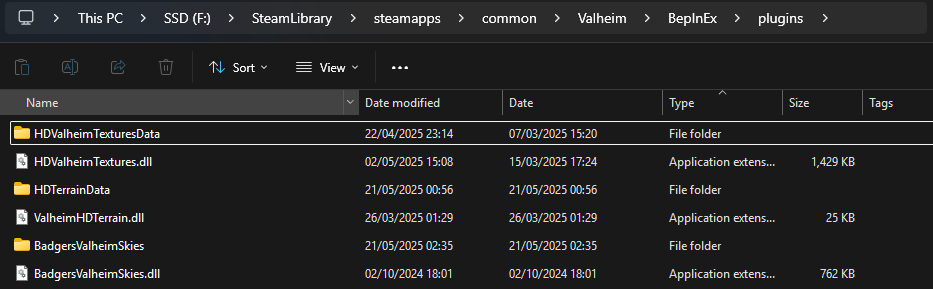
Please read the following instructions carefully and carry them out one step at a time. Do not move onto the next section until you have confirmed the section you are working on is working correctly.
The instructions below assume you already have Bepinex installed and working. If this is not the case click the link below for instructions on how to set this up.
EXTREMELY IMPORTANT
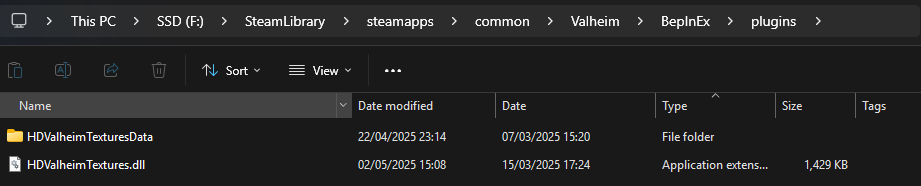
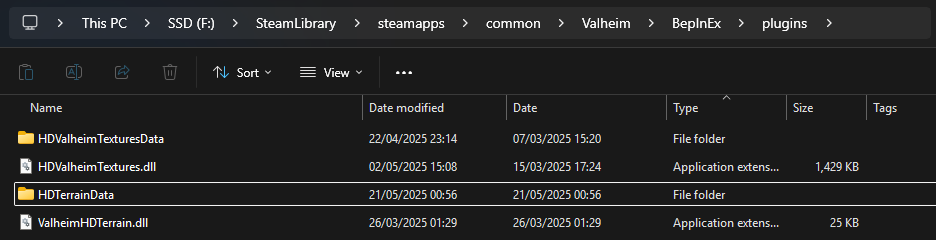
If you are upgrading from the old Beta RC3 version you must delete the old mod before you install this one. To do this just delete the HDValheimTextures.dll & HDValheimTexturesData folder from your Bepinex\Plugins folder
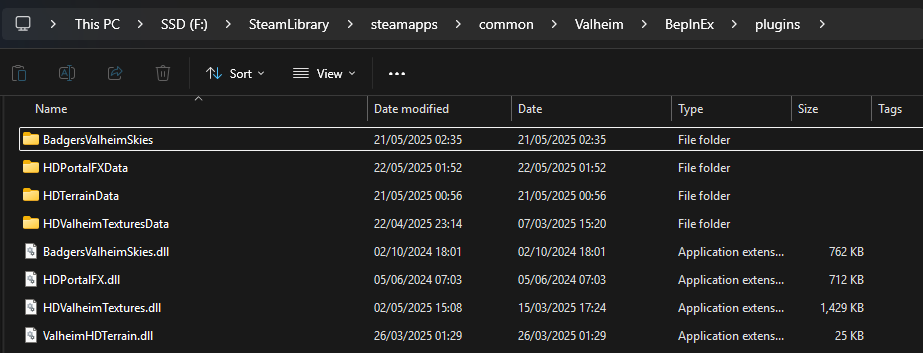
While the following mods are not strictly required for the HD mod to work they add more detail to the world and round out the experience. You can choose to install these or not.